- Download APK file to your android phone by clicking the button DOWNLOAD as below.
Note: This instruction based on android phone VIVO 1820. Sometimes the steps/display will be a little bit different based on the model/brand of the android phone.
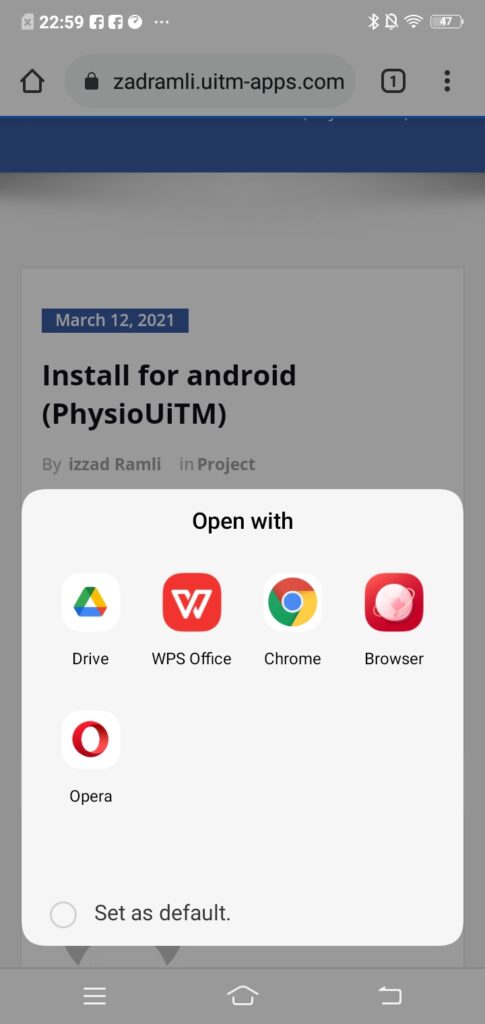
- Your android phone will show recommend apps to open the file. Click drive or browser to view the APK file.
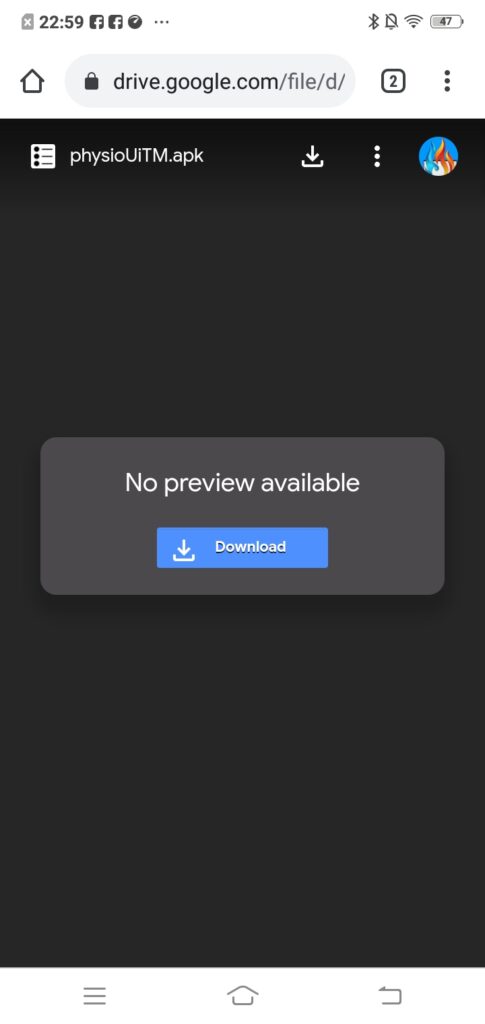
- If you click browser, the display will be shown to you as below. Just click DOWNLOAD.
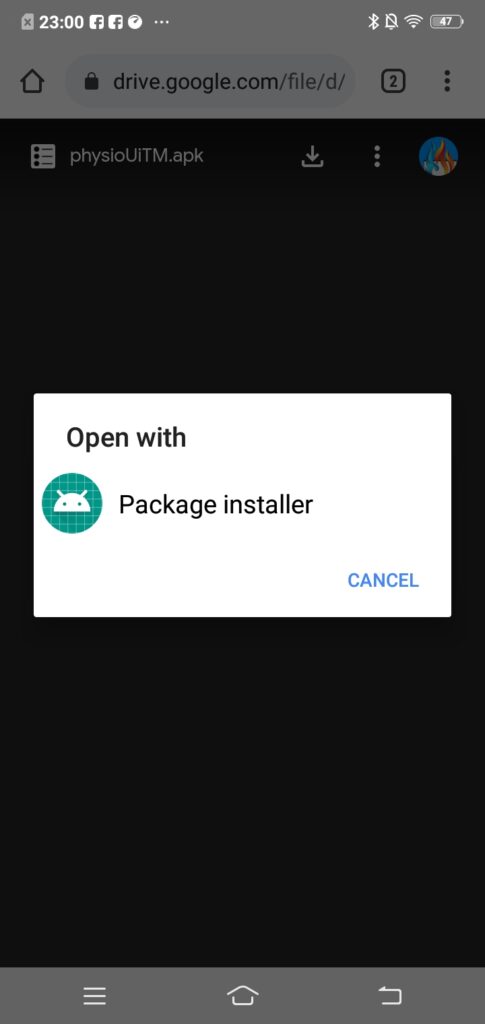
- After download, just open with package installer.
- The PhysioUiTM app will be installed to your android phone.
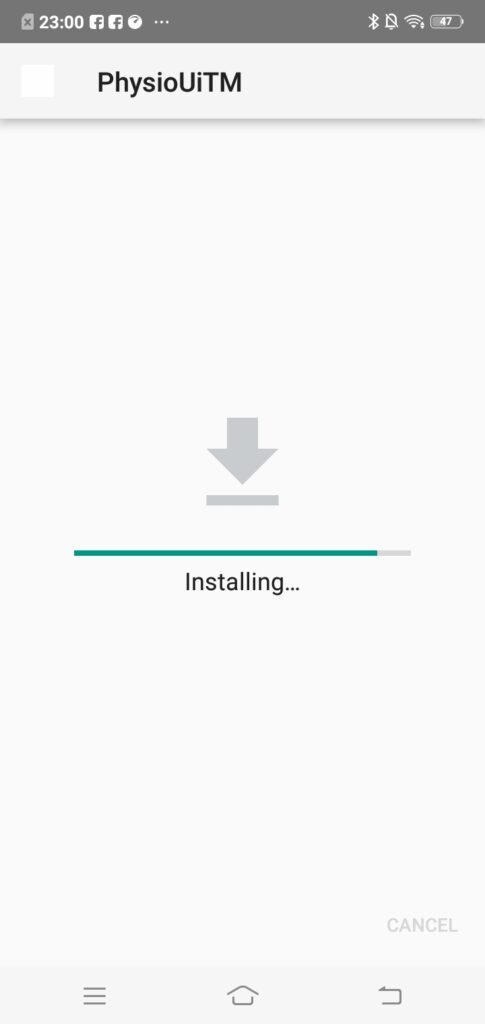
- Done installation. Just click open.
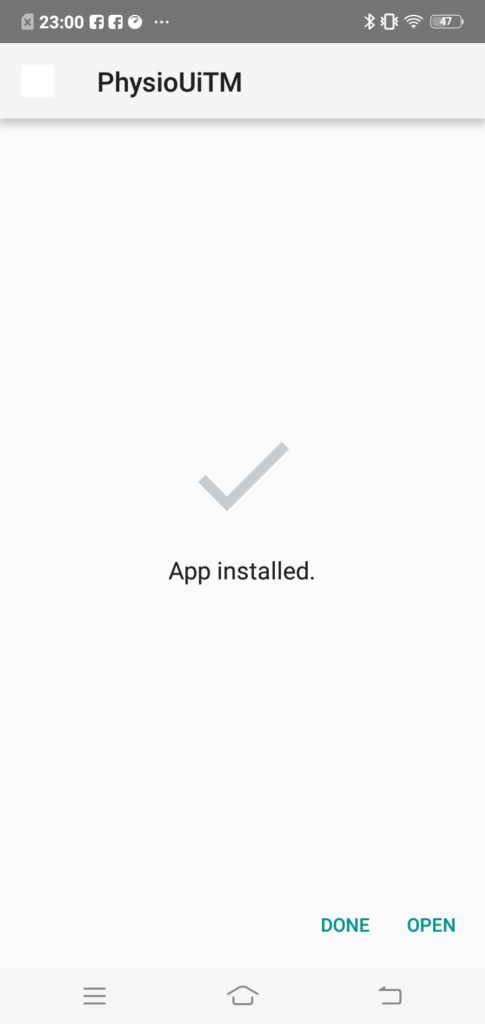
- So the PhysioUiTM will be running in your android phone. DONE