
This tutorial for integration the mobile app with firebase and can perform store, retrieve, delete and update operation.
Lab 6 – Android database – SQLite
- Android SQLite
- Android Sqlite Example (with Spinner)
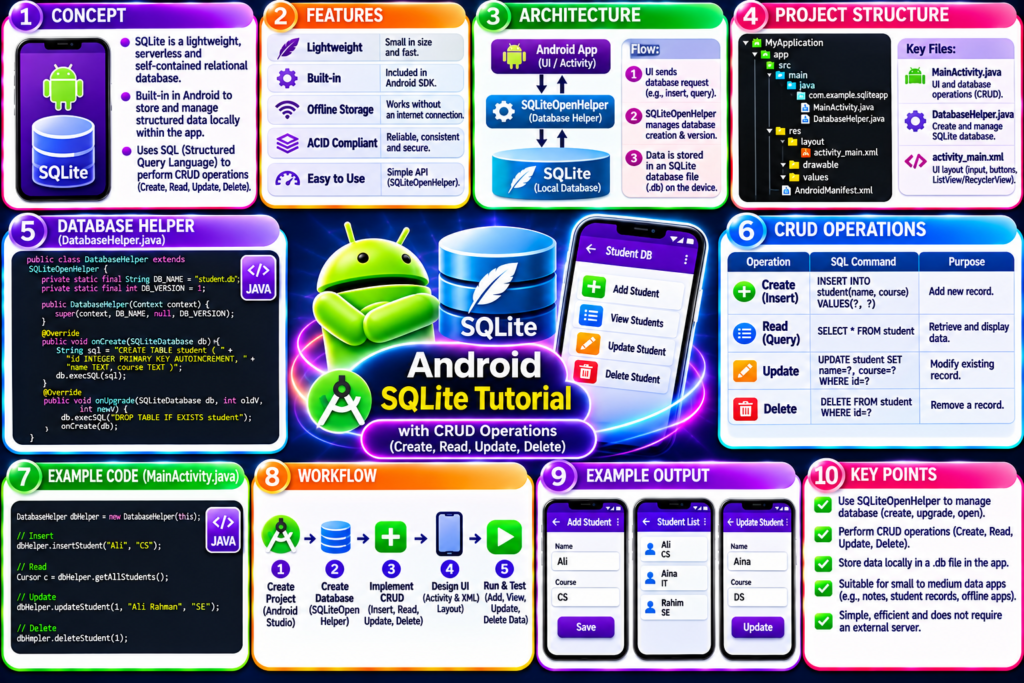
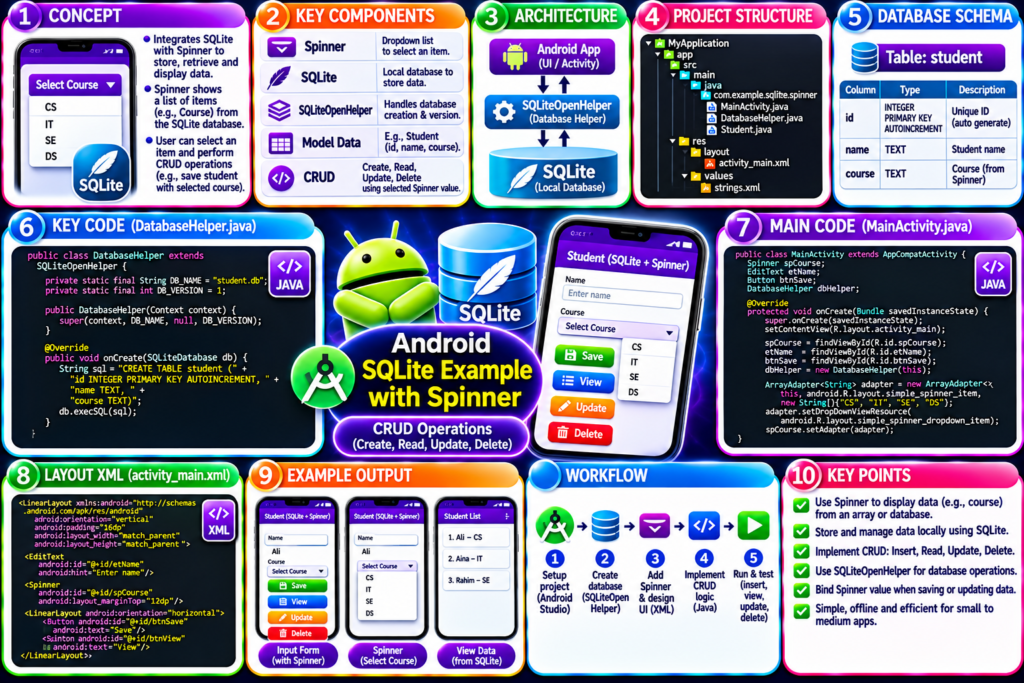
SQLite_Android-Complete_Tutorial (Download full project here)
Lab 5 – Android navigation
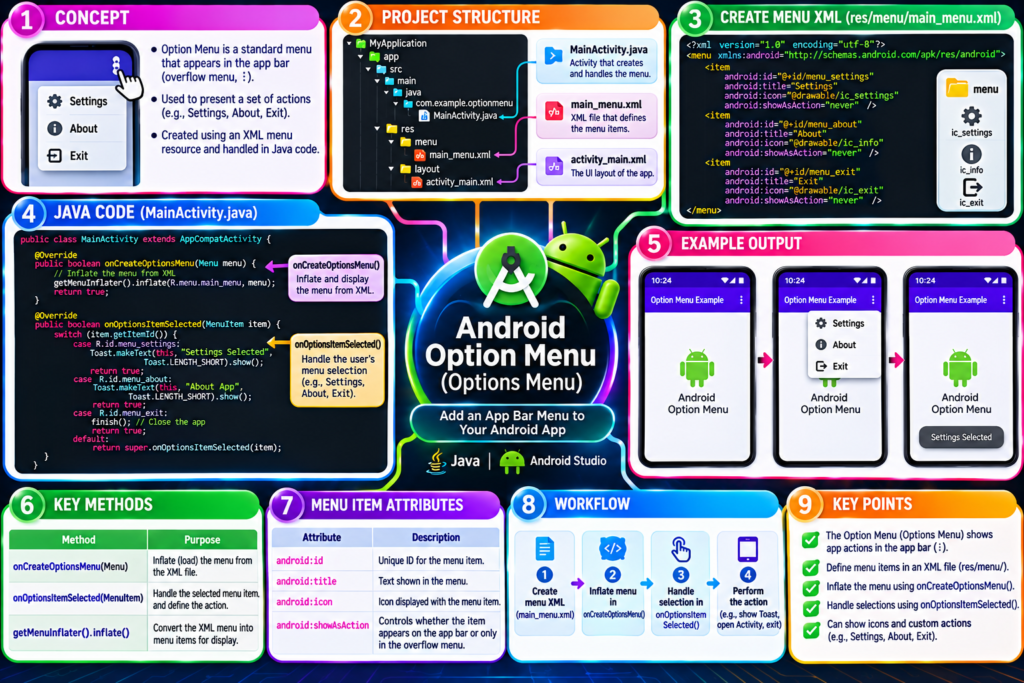
- Option menu
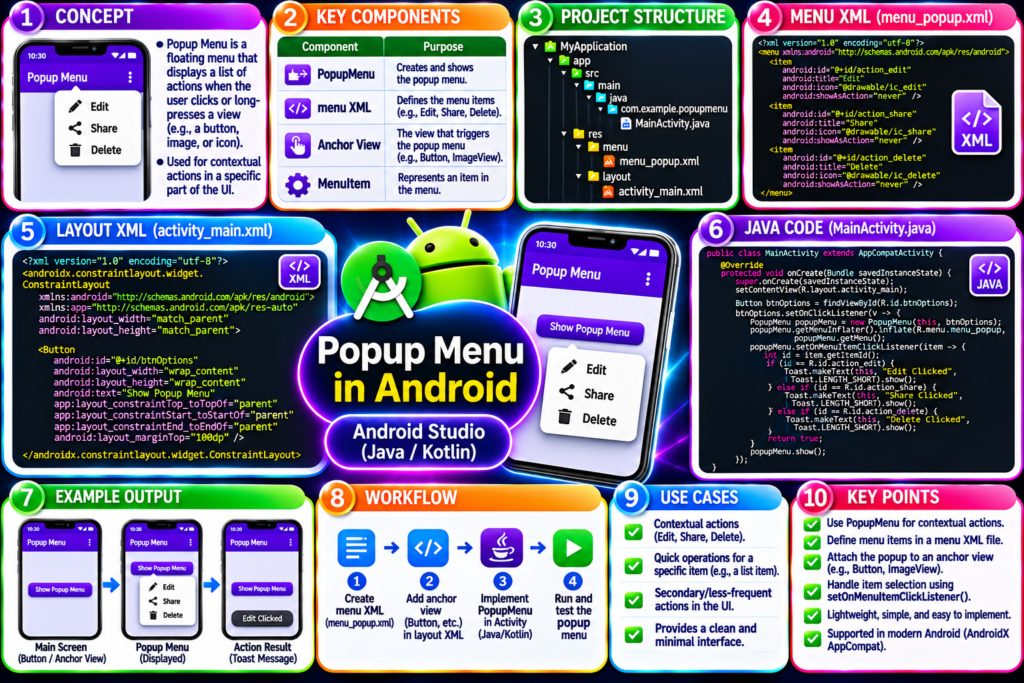
- Popup menu
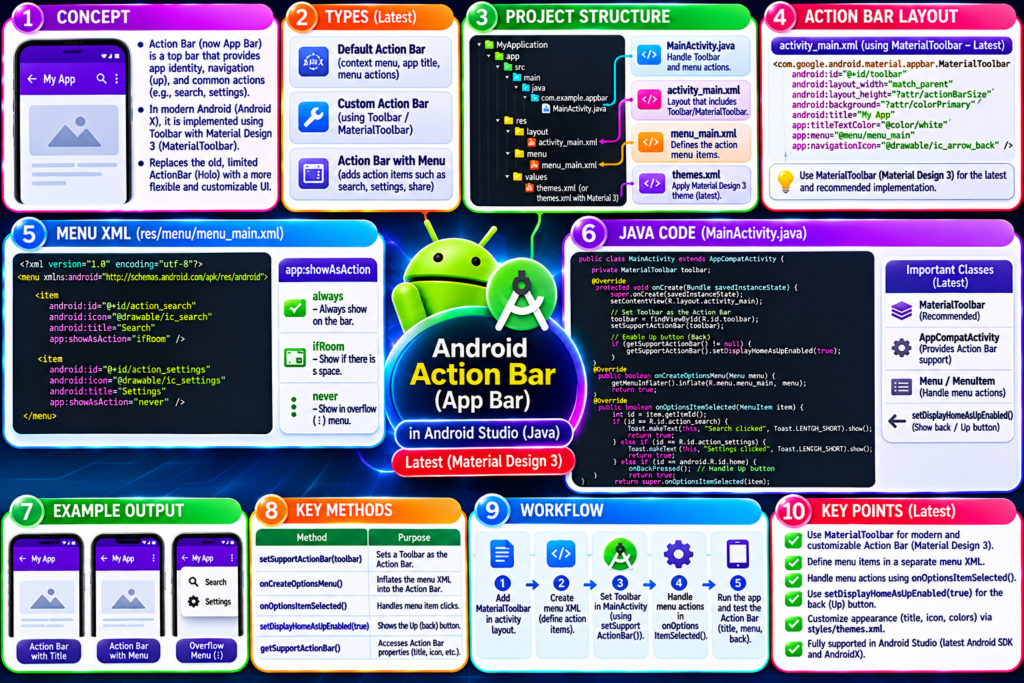
- ActionBar
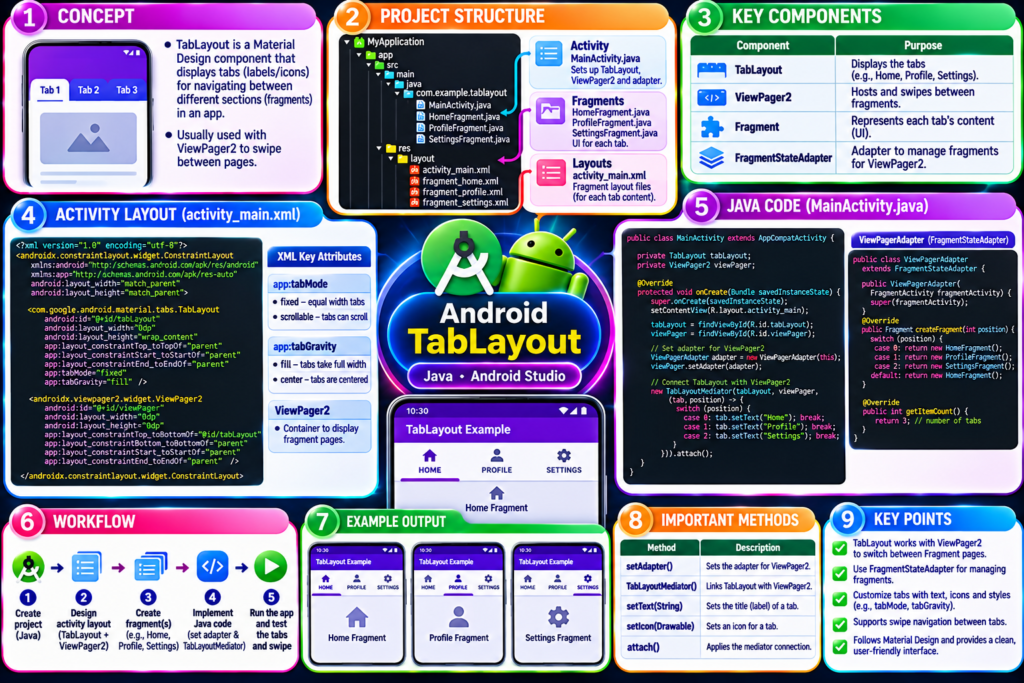
- Tab layout
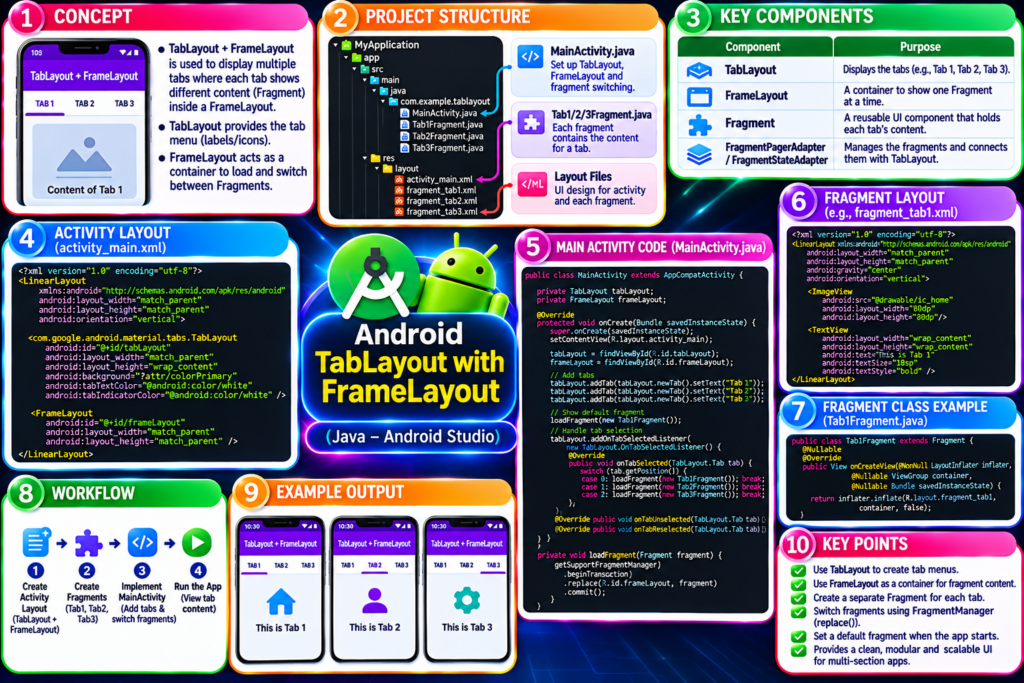
- TabLayout with FrameLayout
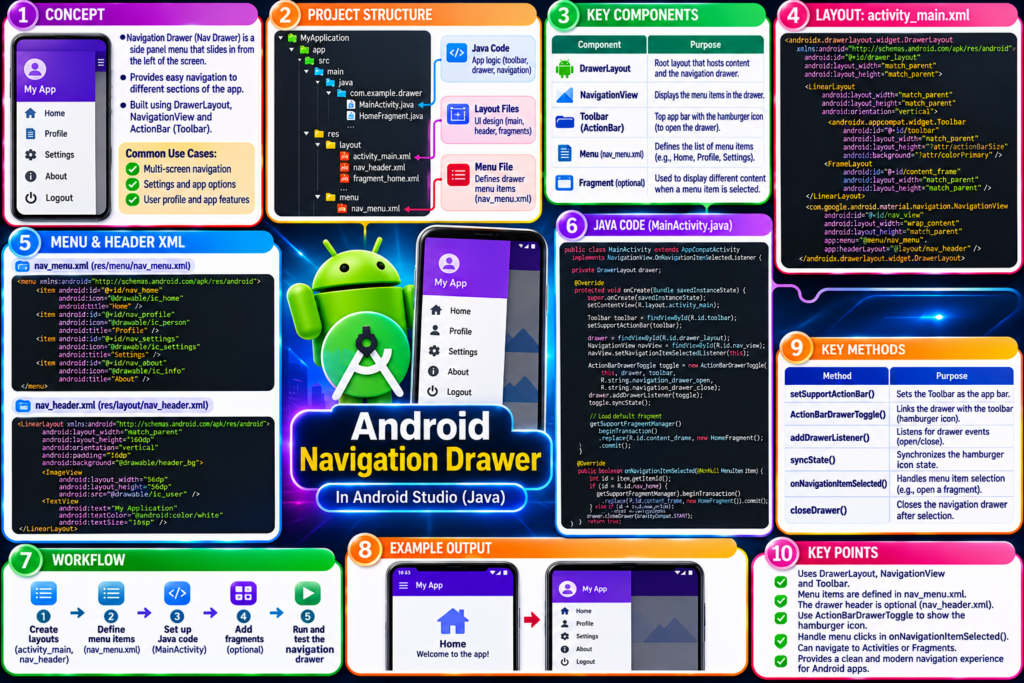
- Navigation Drawer
- Bottom navigation
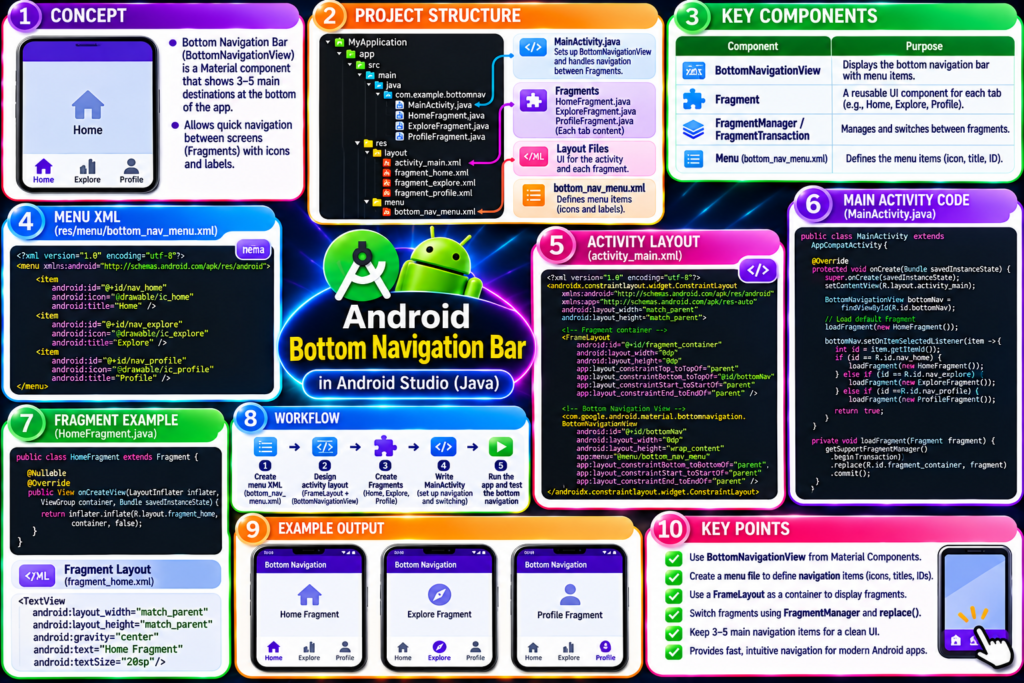
Lab 4 – Android widgets
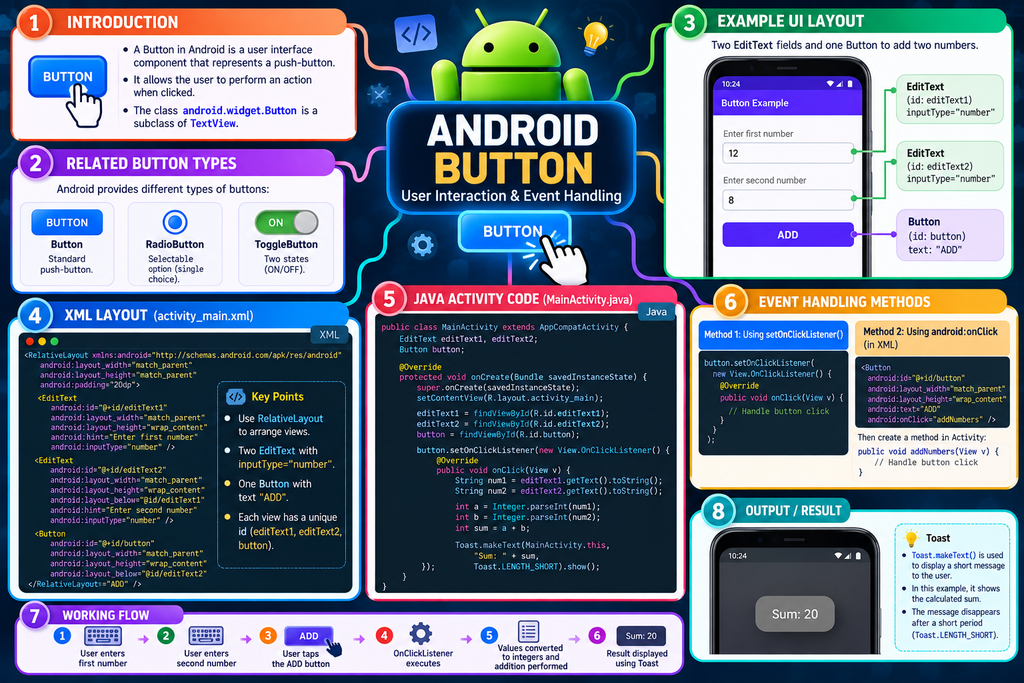

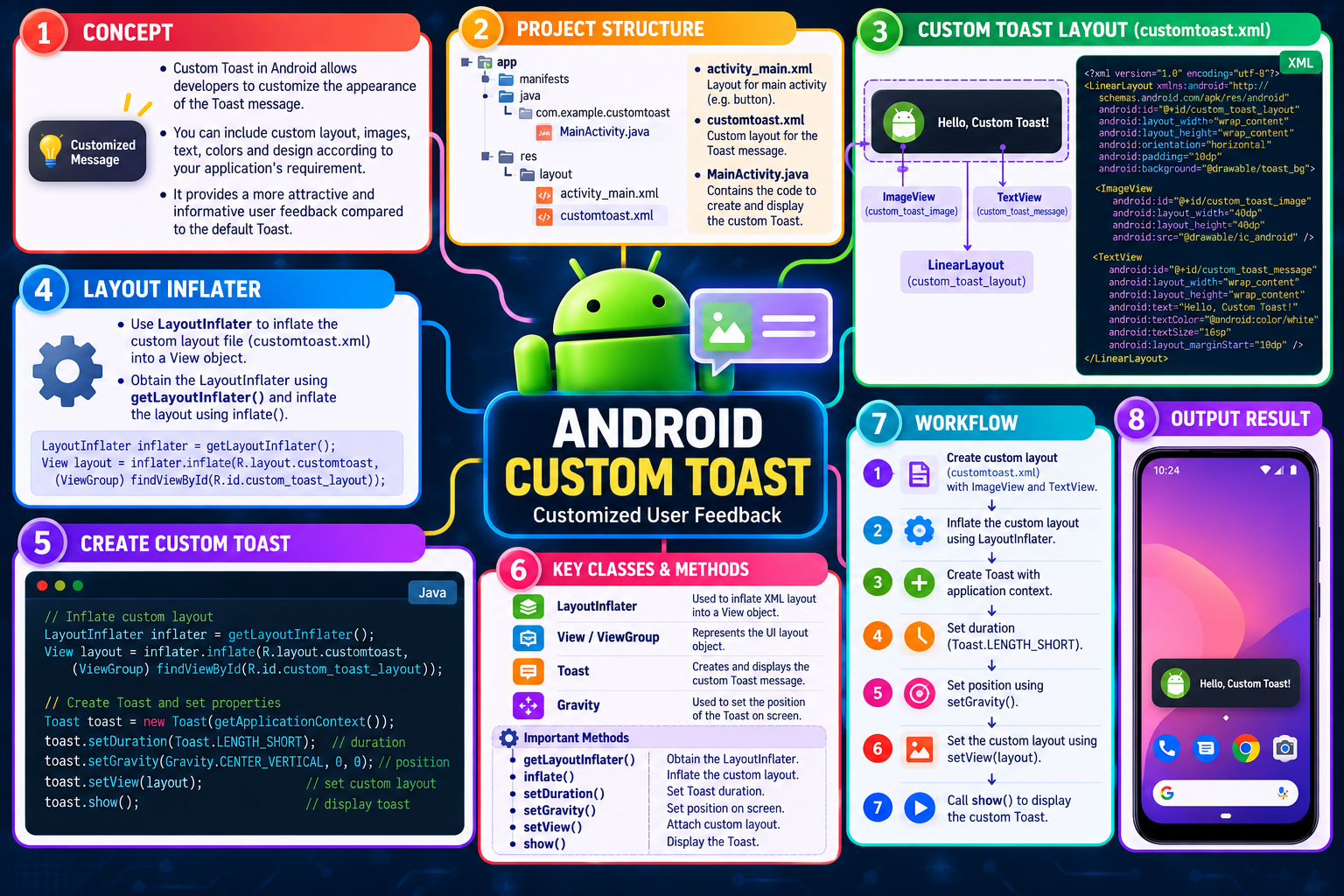
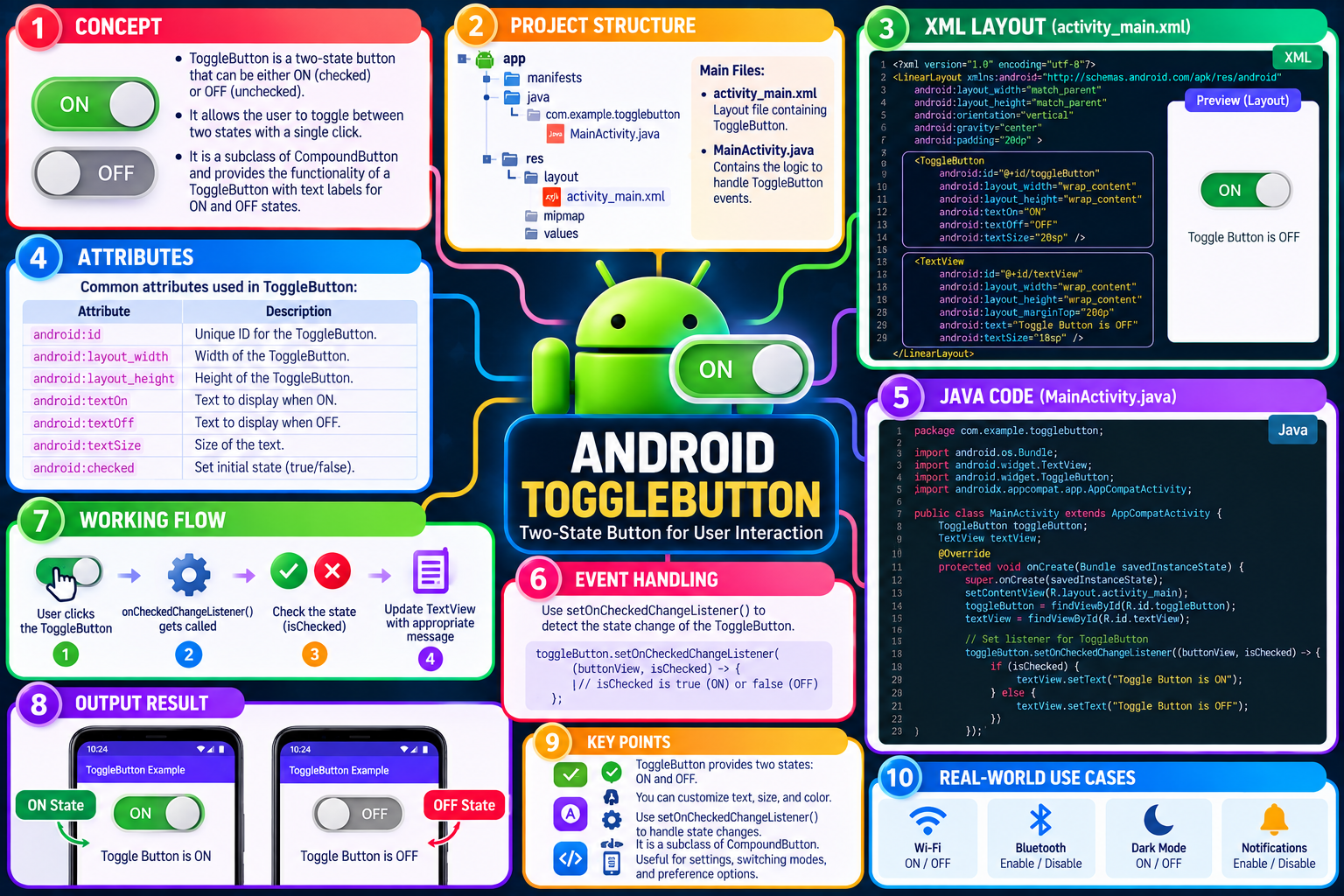
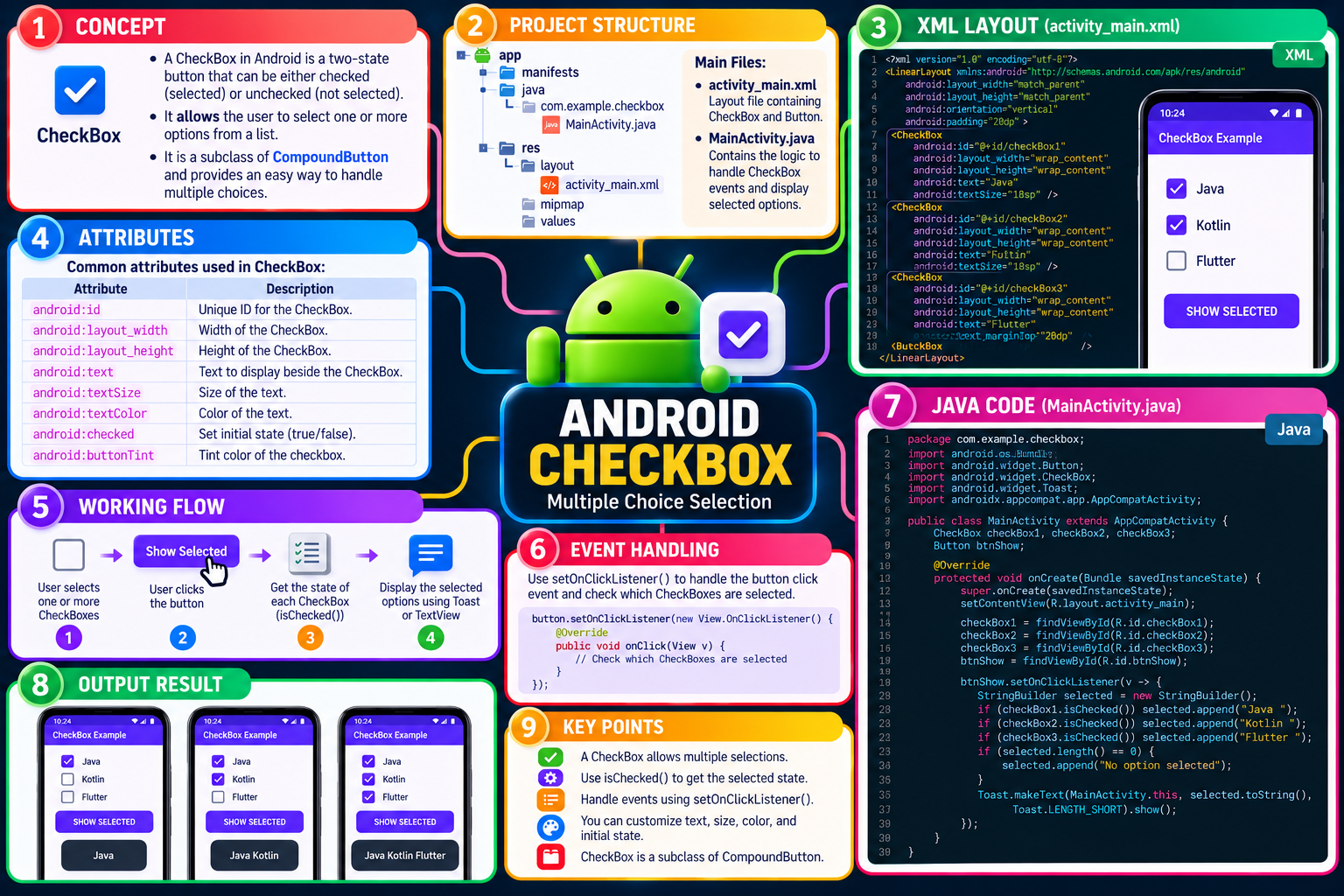


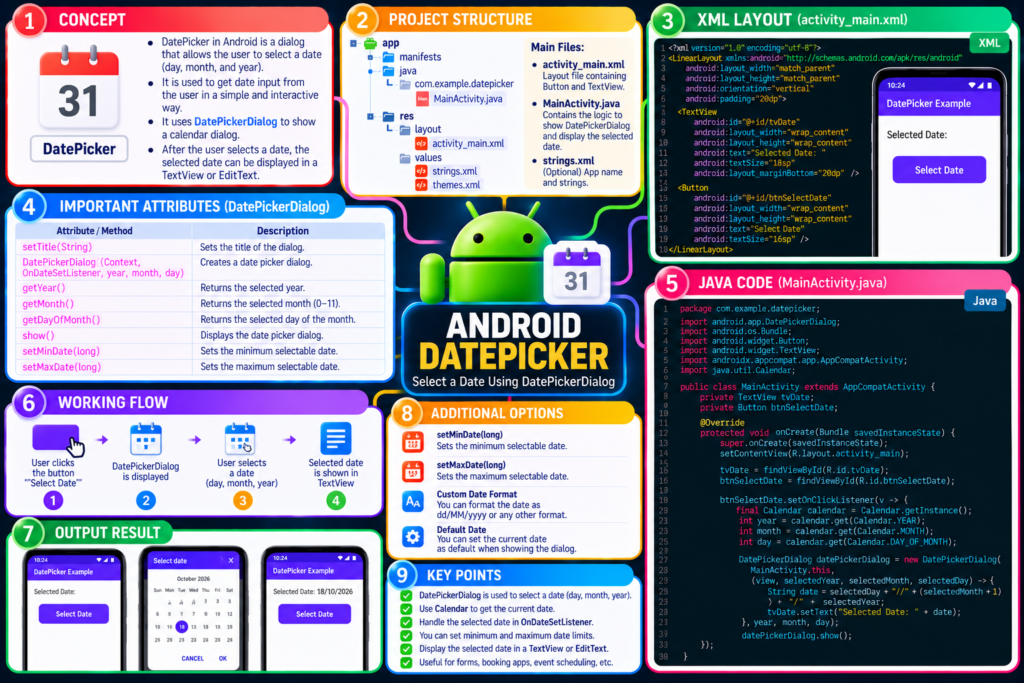
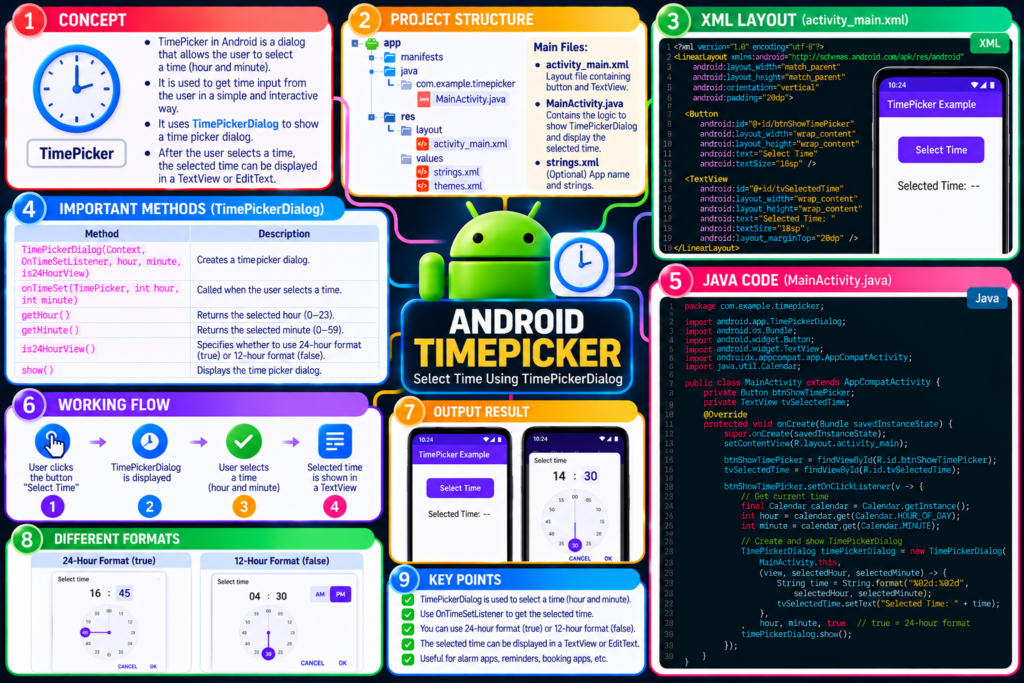

Lab 3 – UI view in Andriod
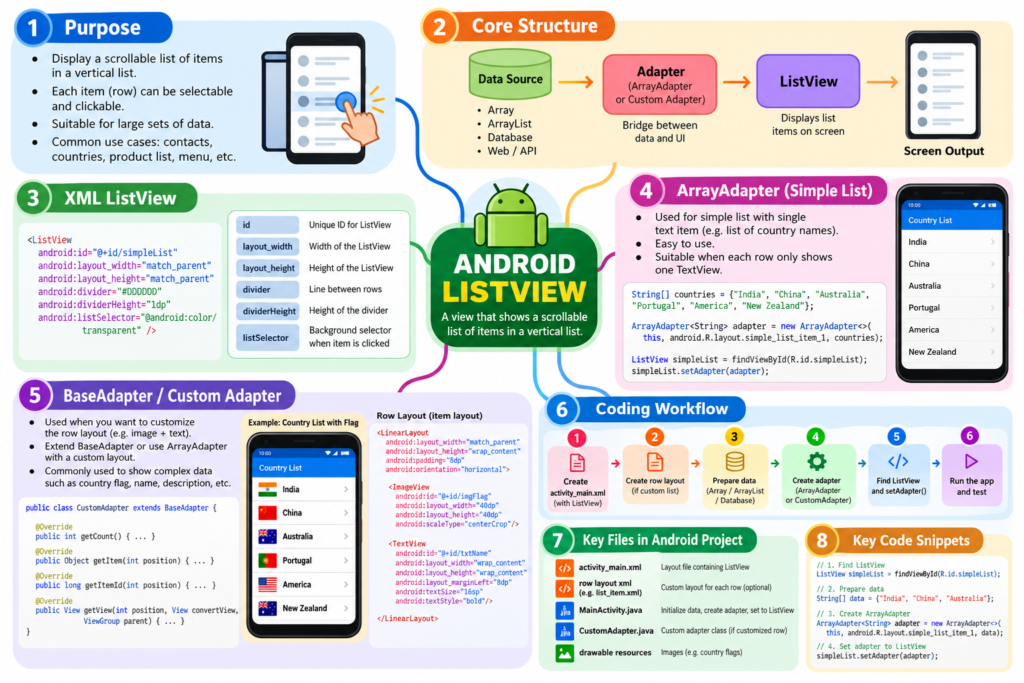
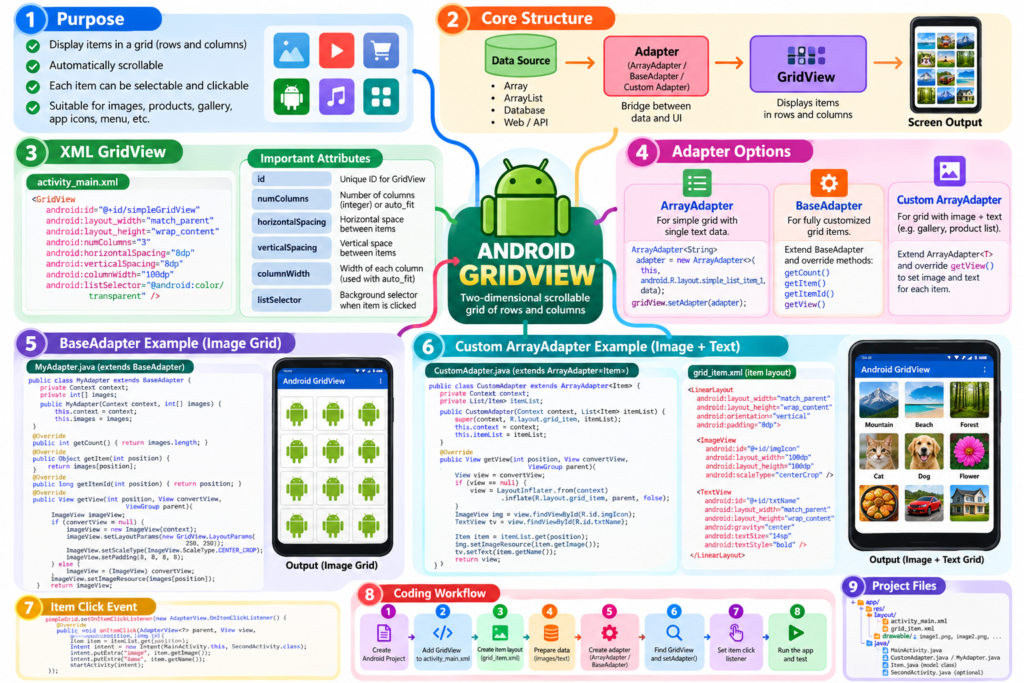
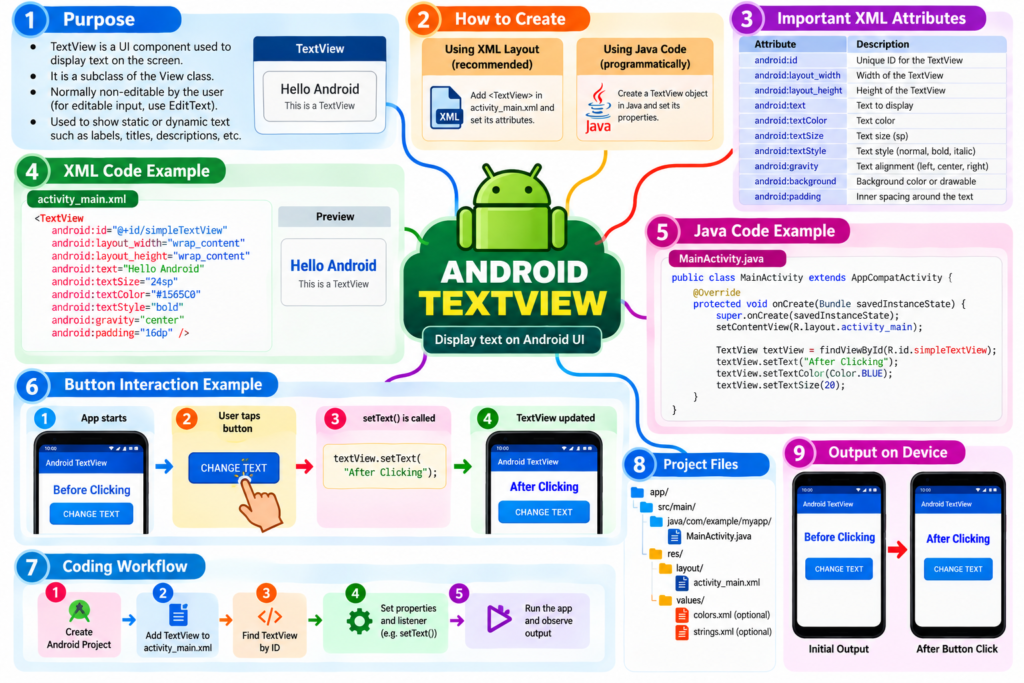
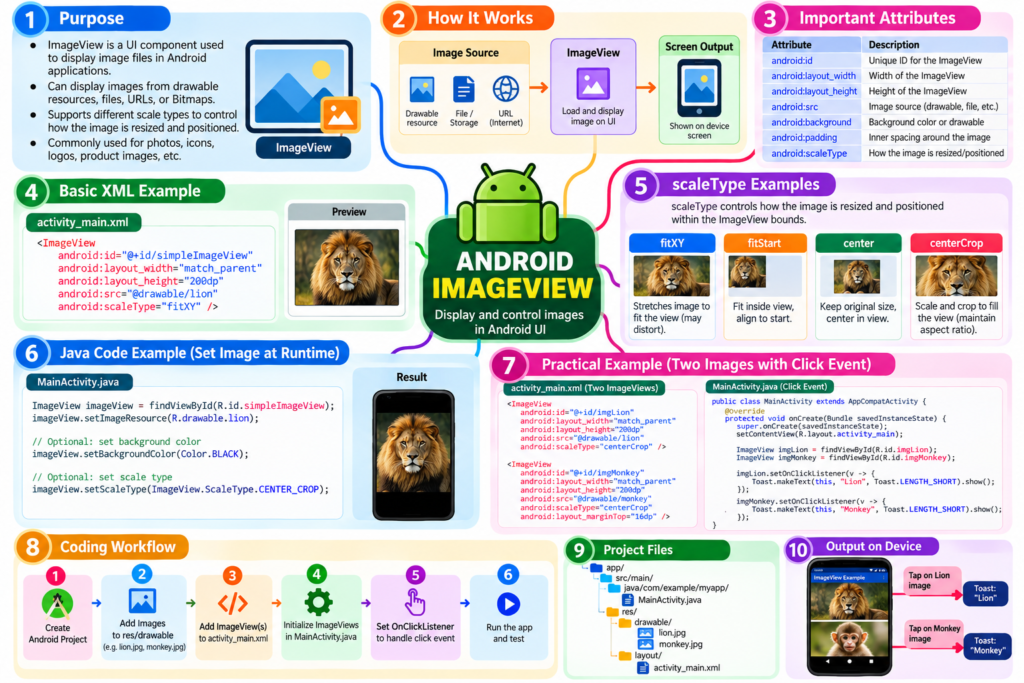
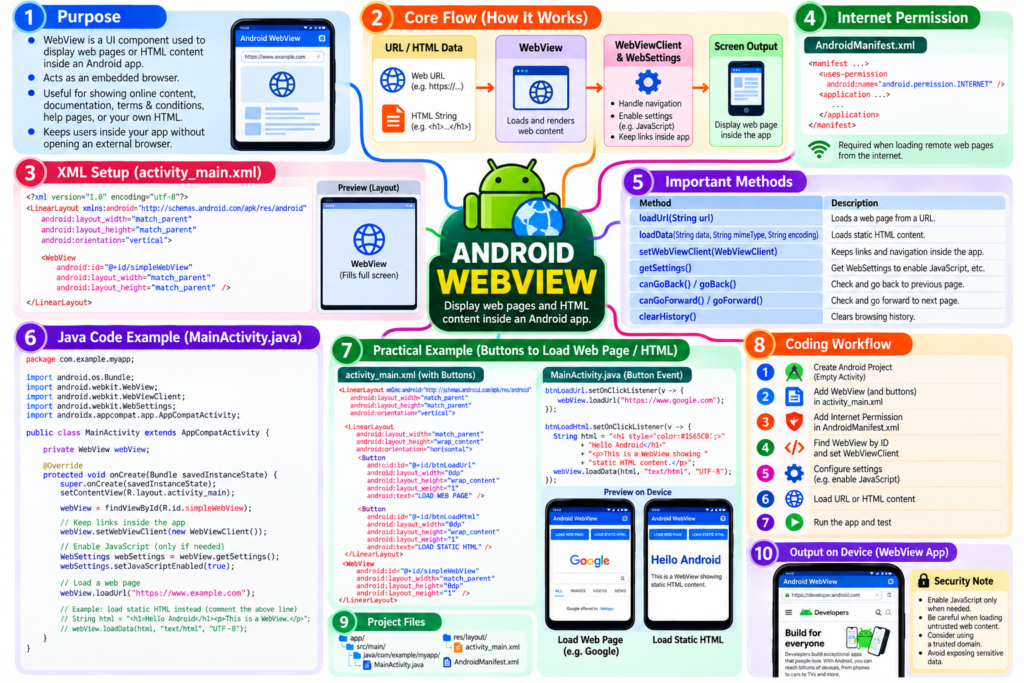
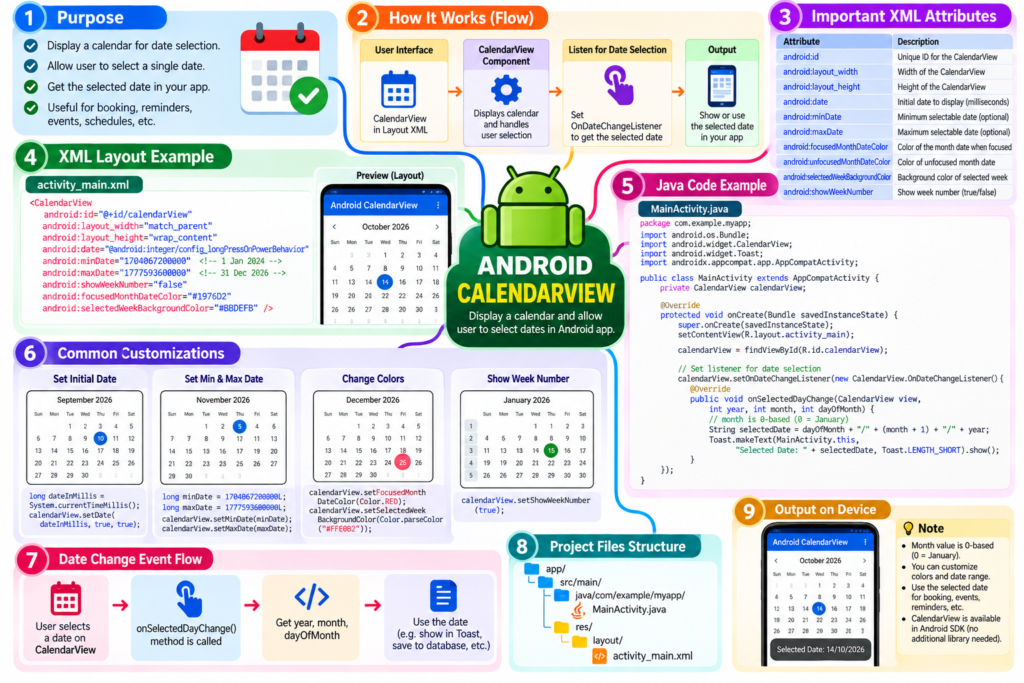
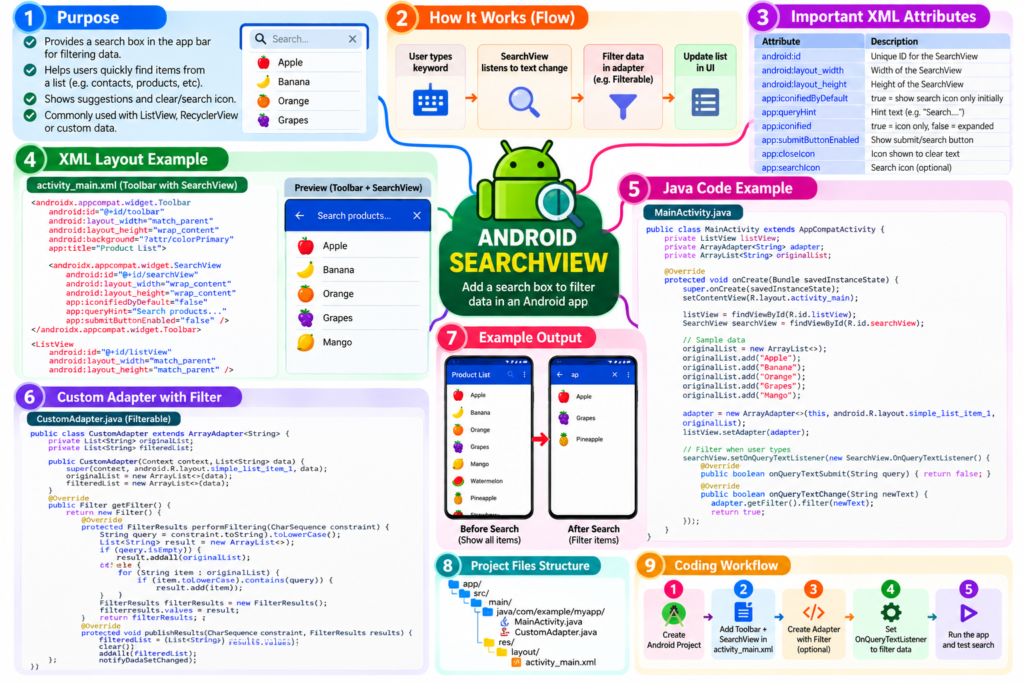
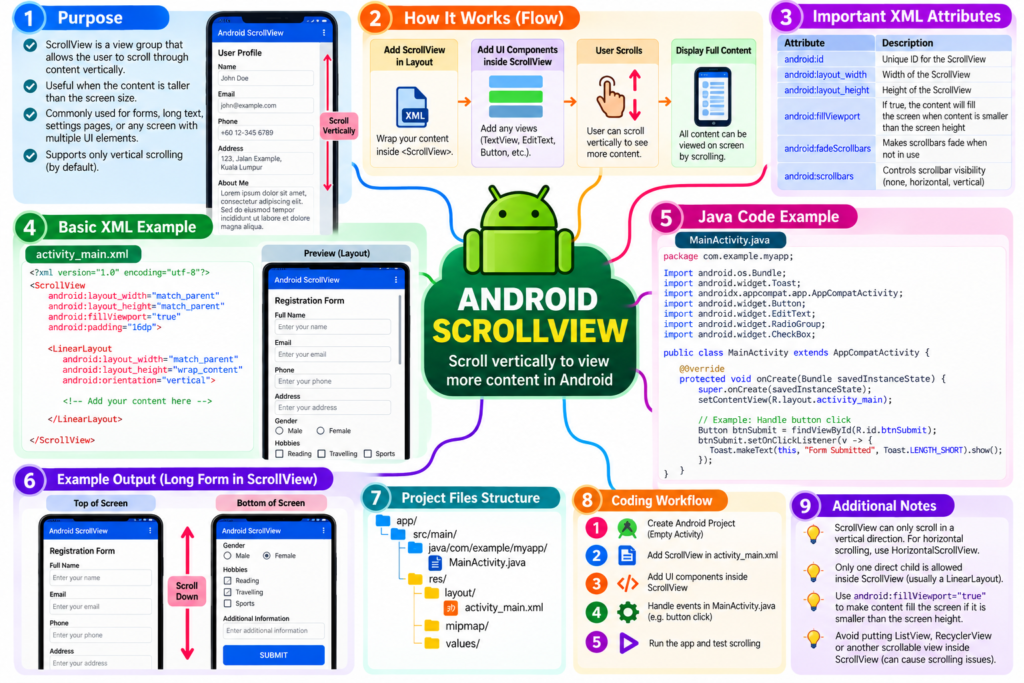
Lab 2 – XML and layout in Andriod
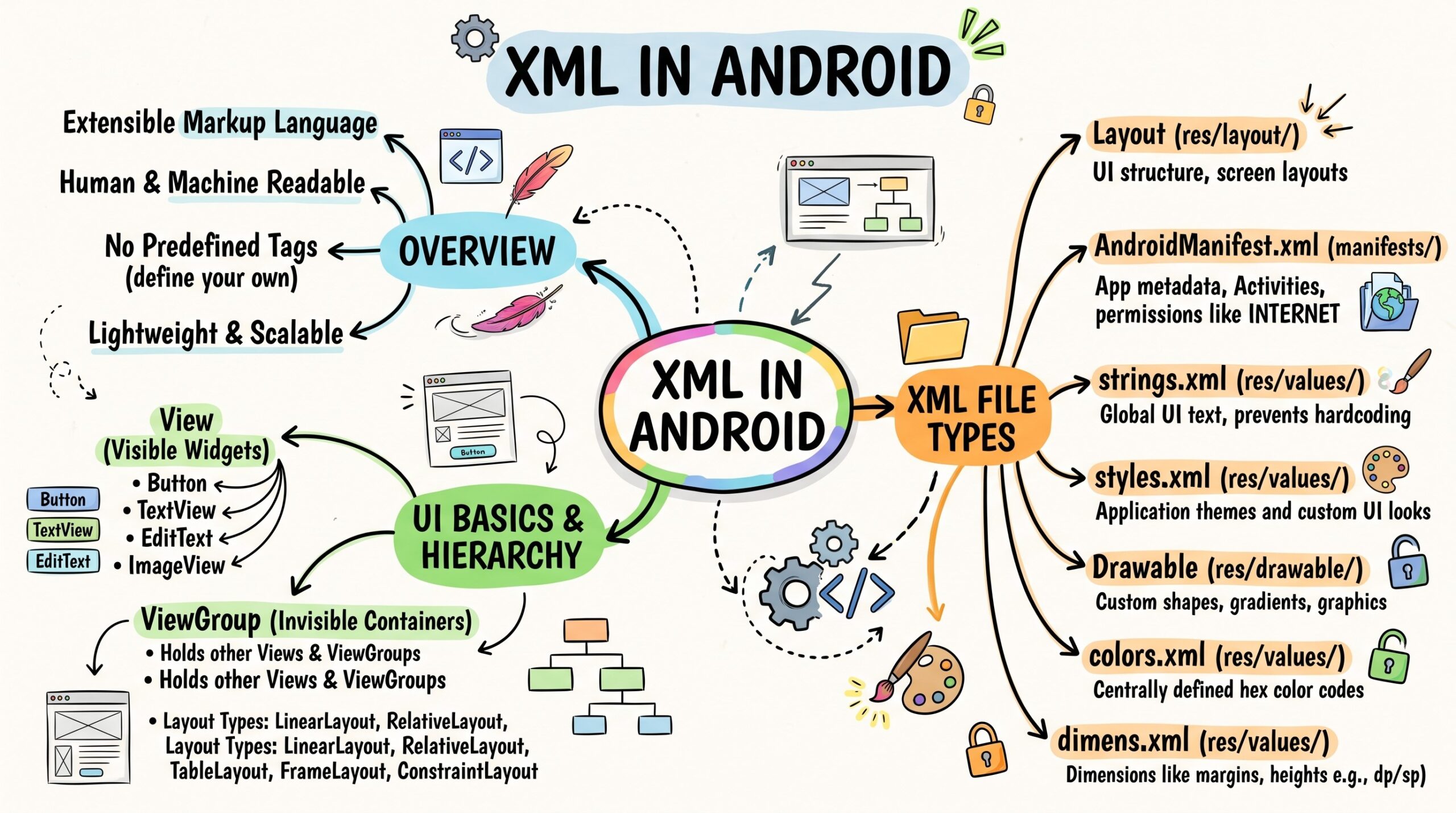
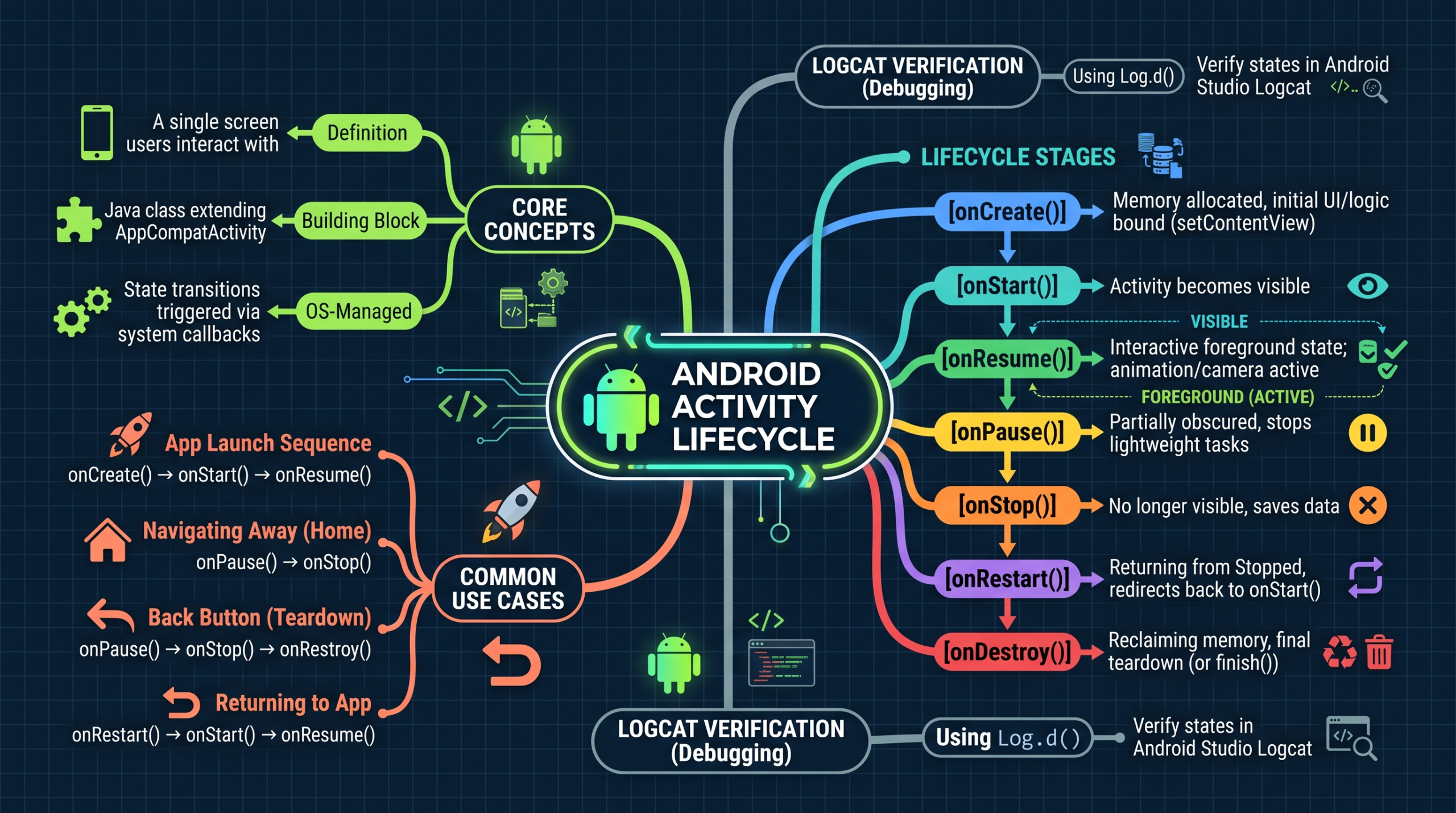
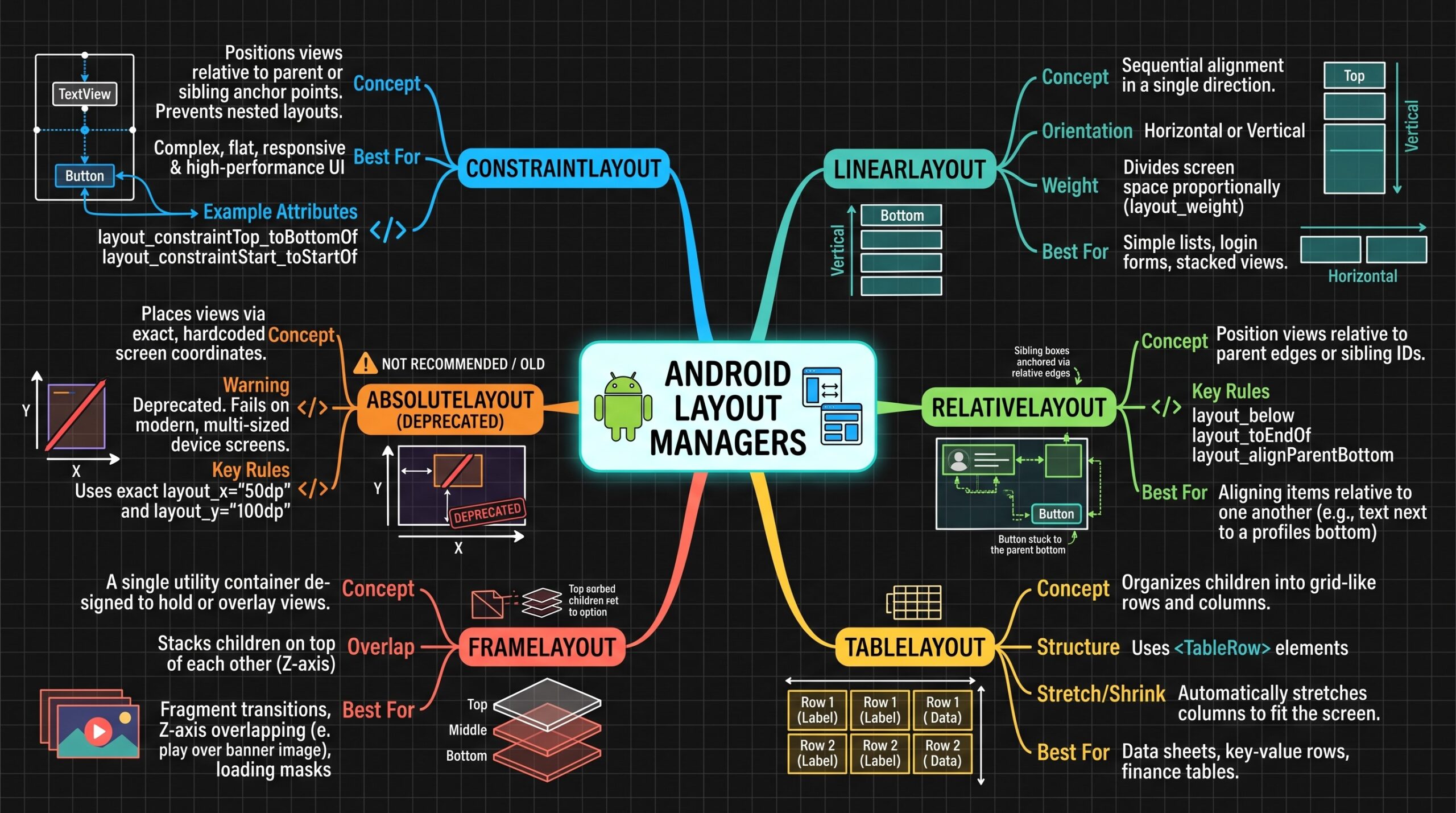
In this tutorial we will go through the basic concepts of xml in Android and different XML files used for different purpose in Android. Then, we look into activity life cycle and the type of layout in Android.
Read and run the code to make you understand more about XML file and the layout.
Lab 1 – Installation of Android studio
Video: How to install Android Studio on Windows 10
Chapter 8 – Testing and Publishing Apps
8.1 Mobile application and delivery
8.2 Testing mobile application
8.3 Application distribution
Chapter 7 – Implementing CRUD
7.1 Login and Logout and registration
7.2 Add, Retrieve, Update & Delete Operations
7.3 Reporting
7.4 Searching
Chapter 6 – Mobile Database
6.1 Introduction
6.2 Database design
6.3 Database connection
6.4 Database access using SQL